Invite your team and assign work
Bring in the people who do the marketing, choose what each can see, and assign initiatives and briefs so everyone knows what is theirs.
On this page
The short version
 The short version
- Owners and admins invite people from Settings & members, as an admin or a member.
- Members see only the properties you share with them, and can do all the initiative and brief work there.
- Assign someone and they get a notice straight away and one email ten minutes later.
Mole Marketer is built for a team, not one person with a login. Northfield Roasters is three people: Priya runs the marketing and owns the account, Ines (co-founder and head roaster) is an admin, and Tom (the café manager) is a member who sees Northfield and nothing else. Adding people does not change the price: you pay for active properties, not for people. Setting the team up takes a few minutes.
Add your name and job role
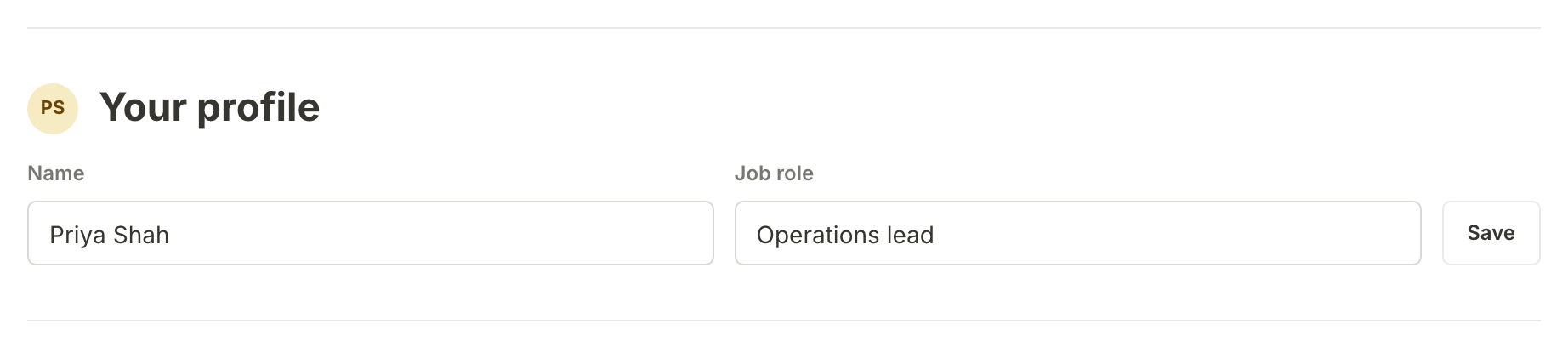
Start with yourself. Open Settings & members in the sidebar and fill in Your profile: your Name and Job role, then press Save. These are what your teammates see beside your initials wherever you appear: in the team list, on the people assigned to an initiative or brief, and in the email someone gets when you assign them work.
Invite someone
On the same page, the Team list shows everyone in your organisation with their role. Under it, Invite someone takes an email address and a role, Member or Admin. For a member, tick the properties to share under Properties to share:. Then press Send invite.
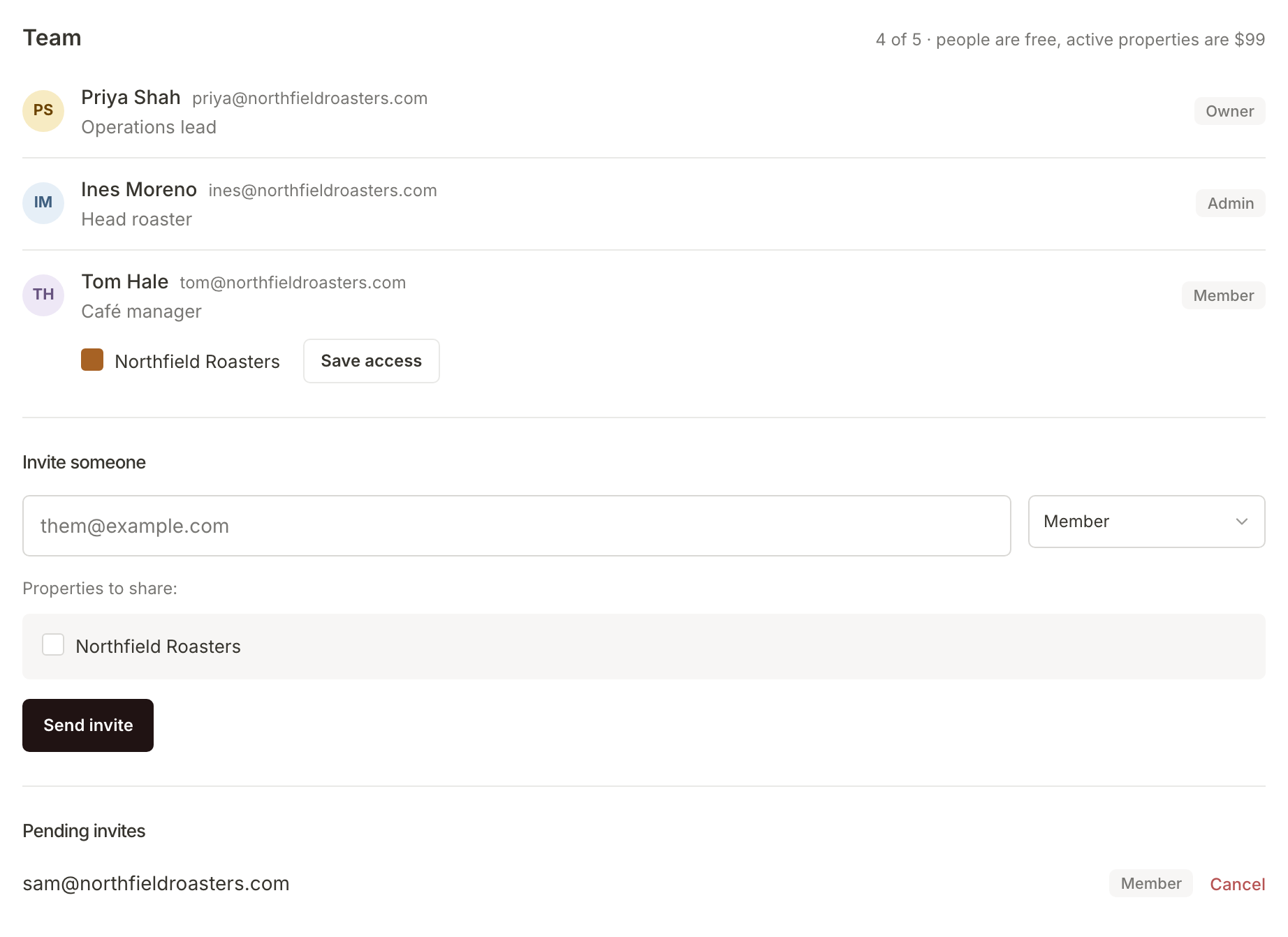
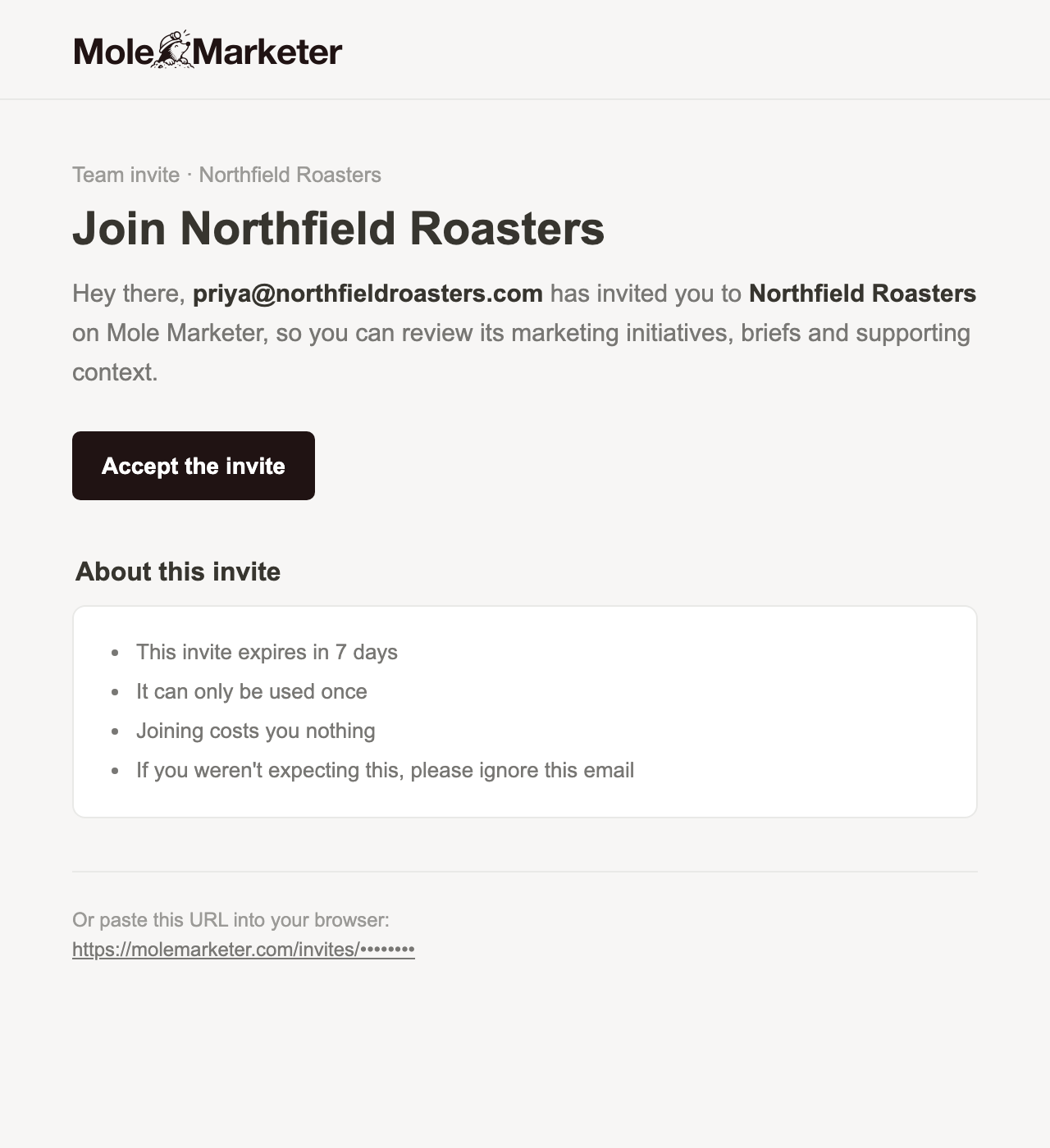
The invite waits under Pending invites until it is accepted, and you can Cancel it there. The person invited gets an email from Mole Marketer with an Accept the invite button. The link works once and expires after 7 days.
An organisation has room for five people, counting invites that have not been accepted yet. The line beside Team shows how many places are used.
Choose what a member can see
Owners and admins see every property in the organisation. A member sees only the properties ticked under their name in the Team list. Change the ticks and press Save access. Someone who loses access to a property also stops being assigned to its work there, and its notices are removed.
Know who can do what
| Role | What they can do |
|---|---|
| Owner and admin | Everything: initiatives and briefs on every property, Context, AI models, property Settings, Funnel Analytics setup, the team and billing. |
| Member | On the properties shared with them: review and decide pitches, ask for new ones, answer questions, update and hand off briefs, write first drafts, adapt briefs and edit channel skills. They can read Settings, Context and AI models but not change them, and do not see the plan or billing. |
Members spend from the same monthly AI allowance as everyone else when they ask for new pitches or drafts. See Choose AI models and keep an eye on your allowance.
Assign an initiative or brief
Every initiative and brief can say who is working on it. Open one and press Assign at the top right. The Assign people window lists everyone who can see this property. Switch a person on, and press Done. Changes save as you switch them, so there is nothing else to press.
Here Priya assigns Ines to the harvest diary, because it is Ines who writes from the farms. Ines's initials now sit beside Assign, and the briefs list shows who is on each brief.
See what is yours
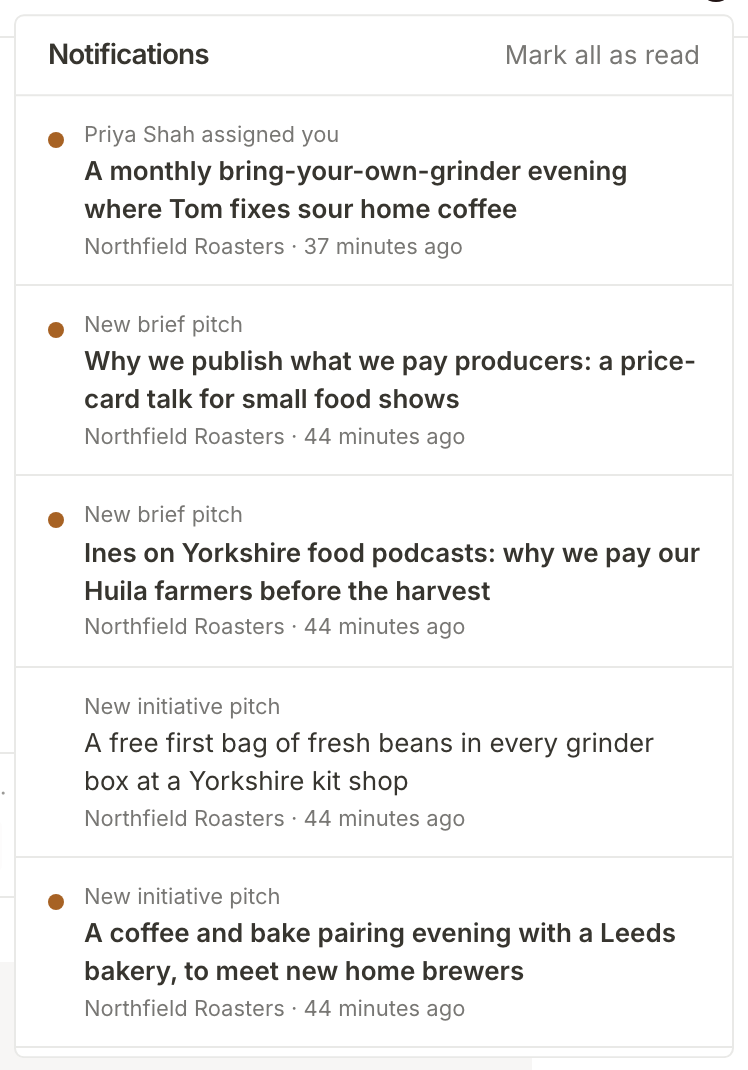
Assigning someone tells them in two ways. Straight away, they get a notice in Notifications at the top of every page, saying who assigned them and what. Opening a notice takes them to the work. Mark all as read clears the list. New initiative and brief pitches arrive there too.
Ten minutes later, they get one email listing what they were given, grouped by property, with a link to each. Anything else assigned to them in those ten minutes goes into the same email, so a busy afternoon is one message, not five. Assigning yourself sends neither.
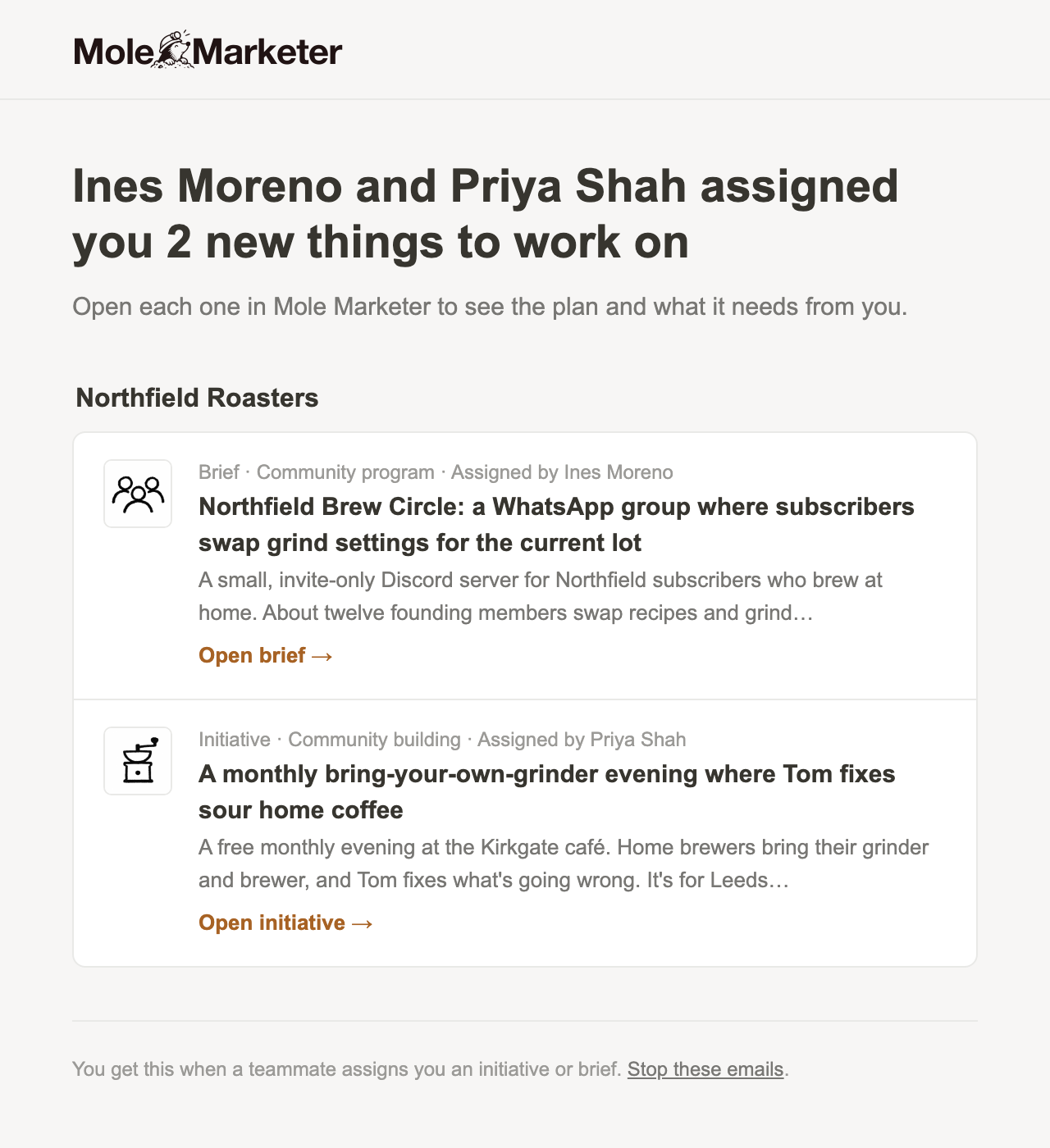
The email ends with Stop these emails, for anyone who would rather rely on the notices.
What happens next
Each person now gets the emails that fit their role. See Choose which emails you get for what arrives and how to change it. To understand what you pay as the team grows, see Manage your plan, properties and billing.
Frequently asked questions
Is it priced per user?
No. You pay $99 a month for each active property, however many people use it. An organisation has room for five people, pending invites included.
What if I unassign someone straight away?
If you switch someone off within the ten minutes, they get no email about it, and the notice is removed if they have not read it yet.
What does a member see on their Account page?
Under You're a member of your organisation, a member sees What you can see: the properties shared with them. They do not see the team list, invites or billing for it.