Give Mole Marketer your business context
Connect the sources that describe your business, check the drafted summary, positioning and ideal customer, and keep your own edits safe.
On this page
The short version
 The short version
- Your website is connected for you. Add the other sources you already use, such as Notion, Google Drive or YouTube.
- Check the drafted business summary, positioning and ideal customer, and fix anything that is not quite right.
- If a redraft finds new wording for a field you have edited, you choose whether to use it.
Every initiative pitch and brief Mole Marketer writes starts from this page. Northfield Roasters' Context page says who buys a bag of Huila and why the price card on every bag matters, so a brief never has to ask Priya something the website already says.
Before you start
Owners and admins edit the Context page. Members can read it, but its fields are locked and only owners and admins connect sources.
Open the Context page
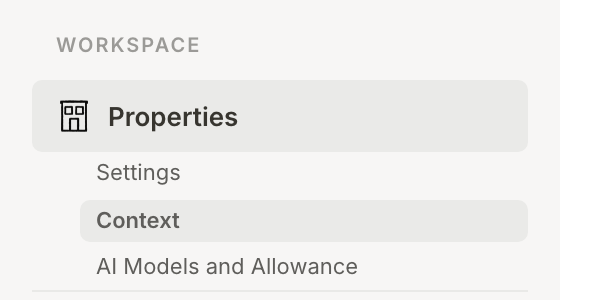
In the sidebar, under Workspace, open Properties and choose Context. The page has four sections: Business details, Ideal customer profile, Image style and Connections.
Check the business details
Mole Marketer reads your website when you set up the property and drafts the Business summary and Positioning from it. Read both as a customer would. If something is out of date or missing, type over it: every field saves as you type, which is what the Auto-saved mark at the top of the section means.
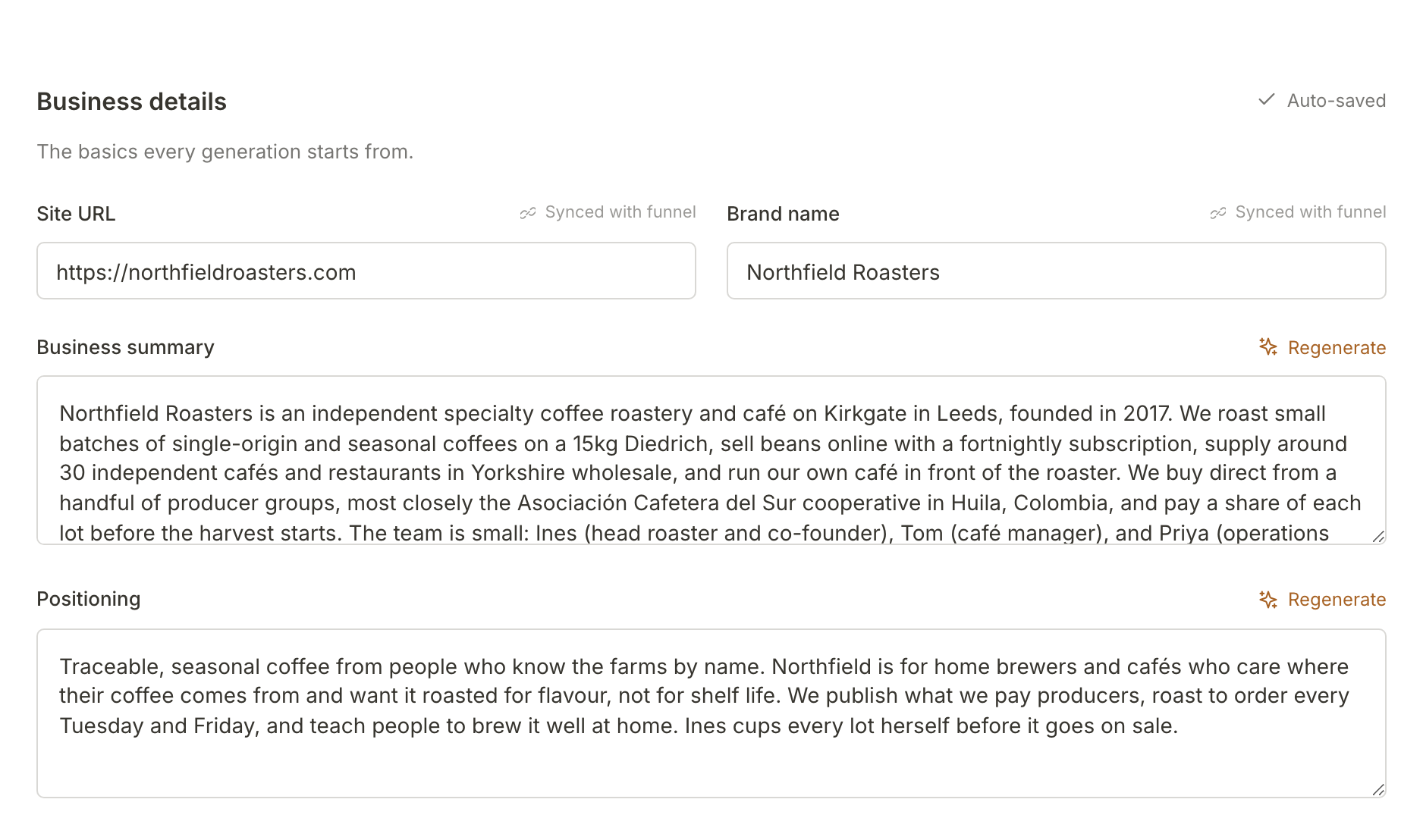
Site URL and Brand name are marked Synced with funnel: they stay in step with your Funnel Analytics, so the site you name here is the first domain the tracking tag accepts visits from (see install the tracking tag).
Regenerate beside a field asks for a fresh draft of just that field from everything Mole Marketer has read about your business so far, including the sources you connect below. Each draft uses some of the property's monthly AI allowance.
Check the ideal customer
The Ideal customer profile describes who you sell to: a Profile in plain words, a Head count range, Industries and Business type. The two lists marked "used for pitch generation", Correlating traits and Buying mode signals, are what pitches lean on hardest, so make sure they sound like your real customers.
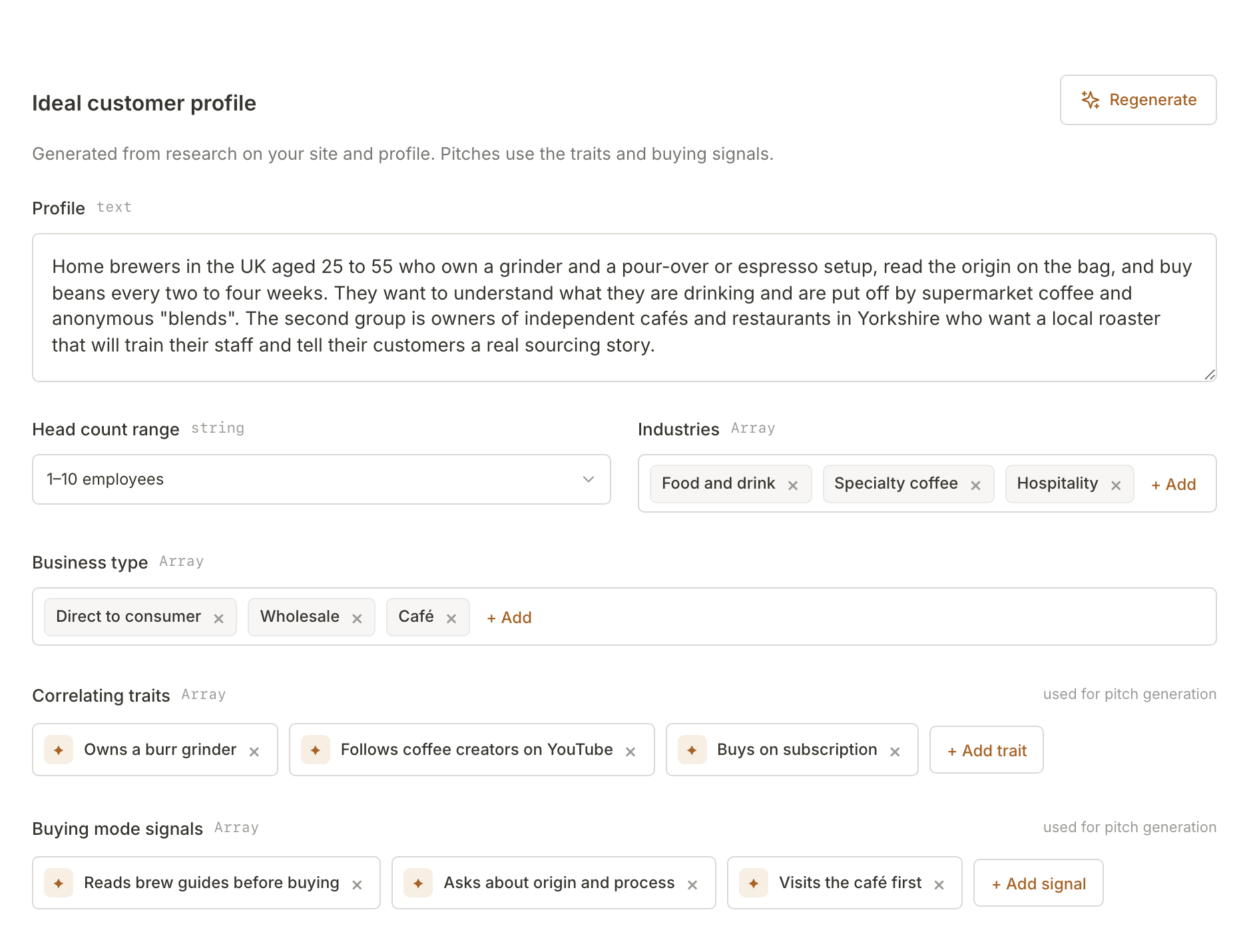
For Northfield, "Owns a burr grinder" and "Asks about origin and process" are the kind of detail a pitch can build on. Add a trait or signal with + Add trait or + Add signal, and remove one with its ×. The section's own Regenerate redrafts the whole profile.
Connect the sources you already use
Connections lists the ten sources Mole Marketer can read for evidence. Your Website and Mole Marketer analytics are connected for you. Each of the others reads Connected or Available.
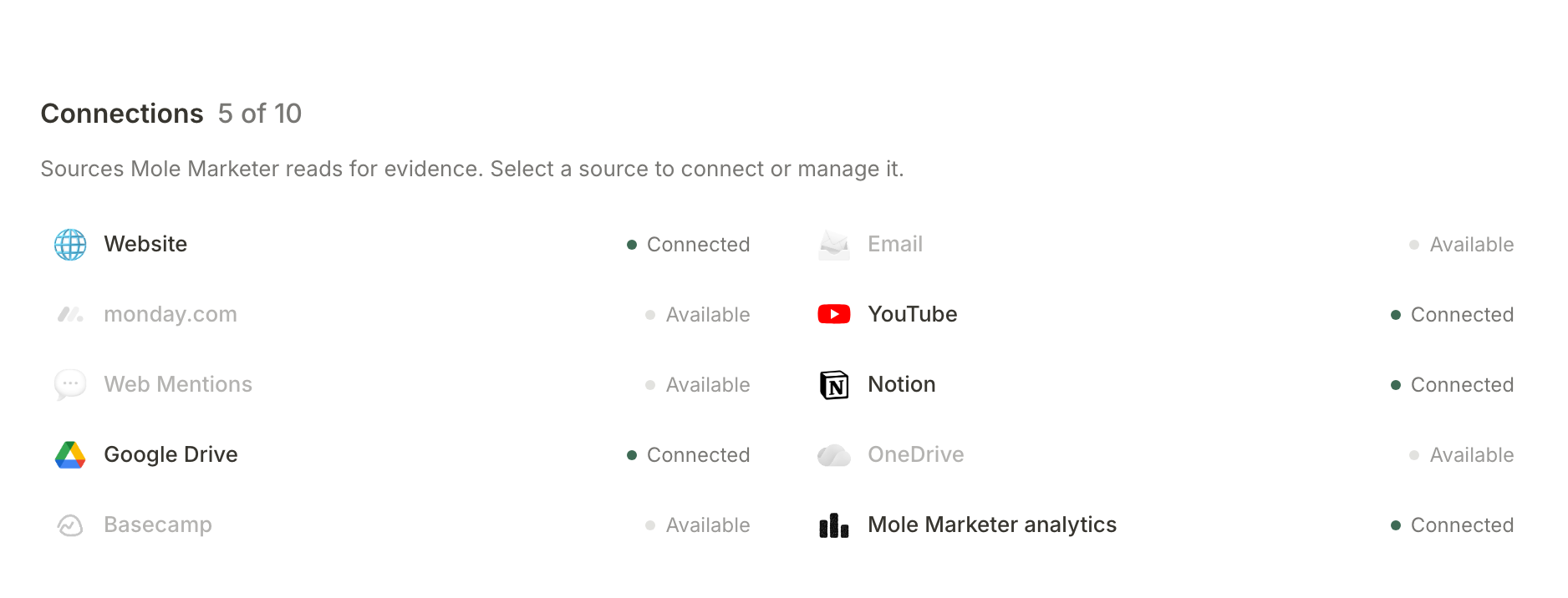
Select an available source to connect it. A window opens asking for what that source needs: a channel handle for YouTube, a brand name and website domain for Web Mentions. For Notion, Google Drive, OneDrive and Basecamp you continue to that service to choose what Mole Marketer can read, then come back. Select a connected source to see when it last synced and, for the ones you added, to remove it.
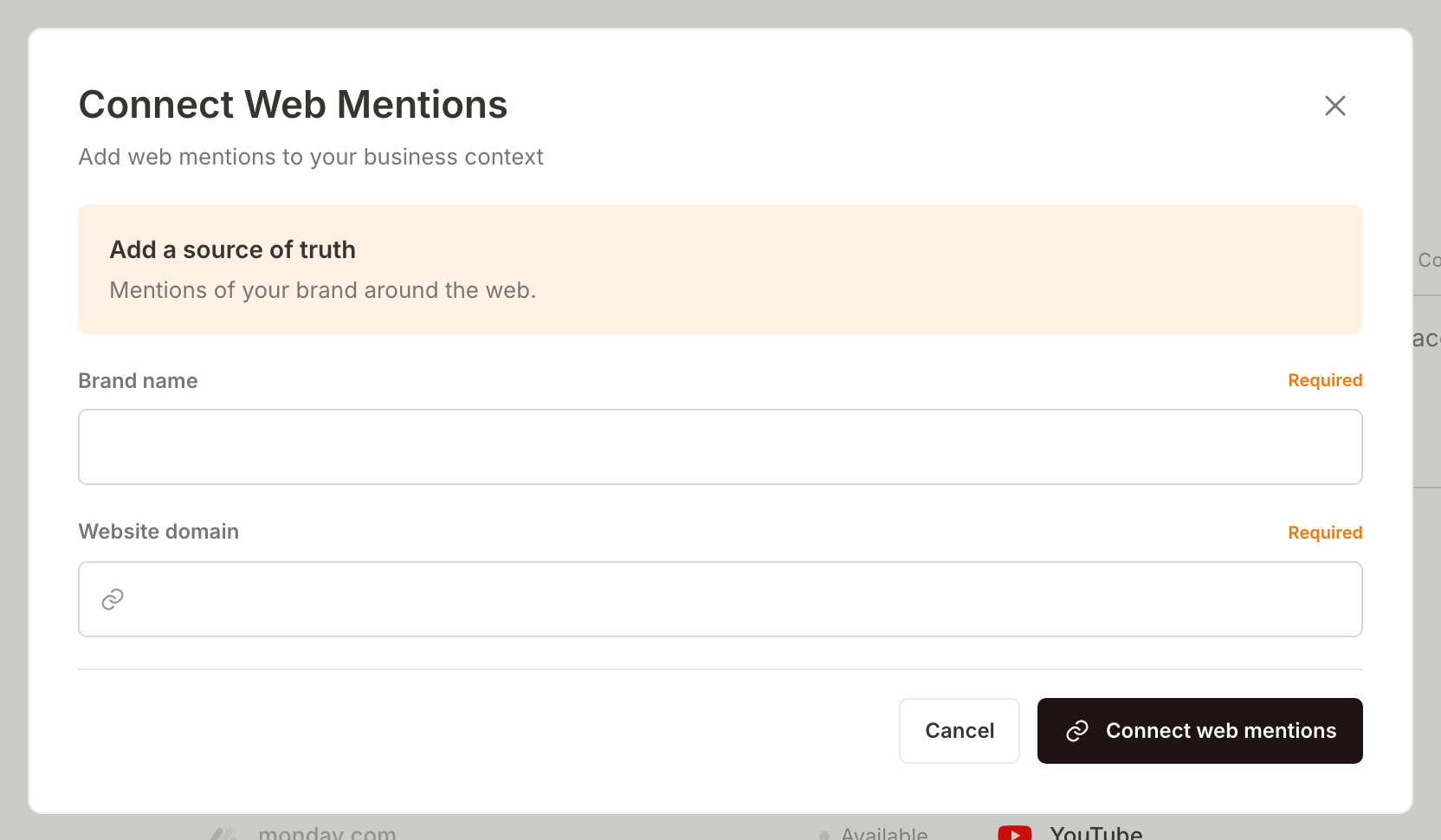
Connect the places where your best thinking already lives. Northfield connected Notion, Google Drive and YouTube, where its notes, documents and videos already were. What you connect is read for evidence, so a brief can cite your own words rather than the internet's.
Choose the Google Drive files to share
Google Drive works in two steps. Google asks you to allow access, then sends you back to Choose Google Drive files, where you pick individual files. Google Drive stays private: Mole Marketer can read only the files you pick, nothing else in your Drive.
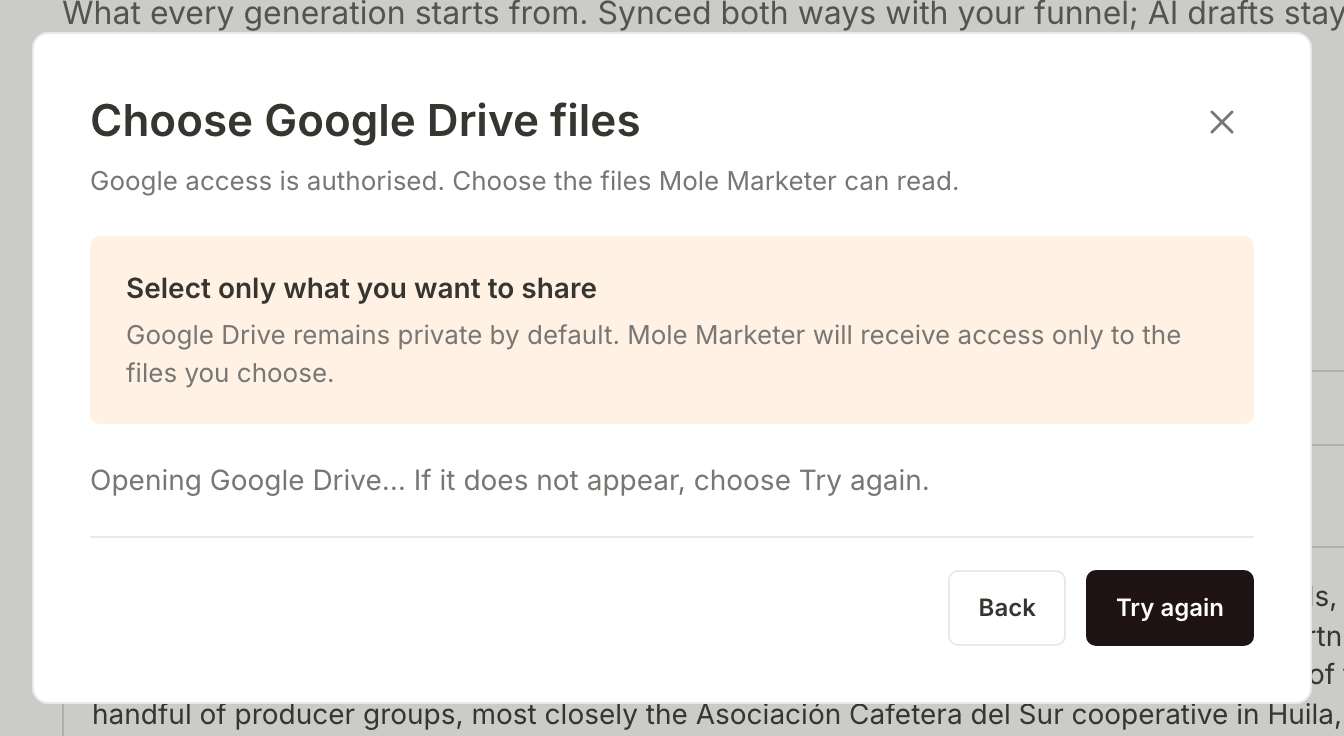
If the file picker does not appear, choose Try again.
Set the image style
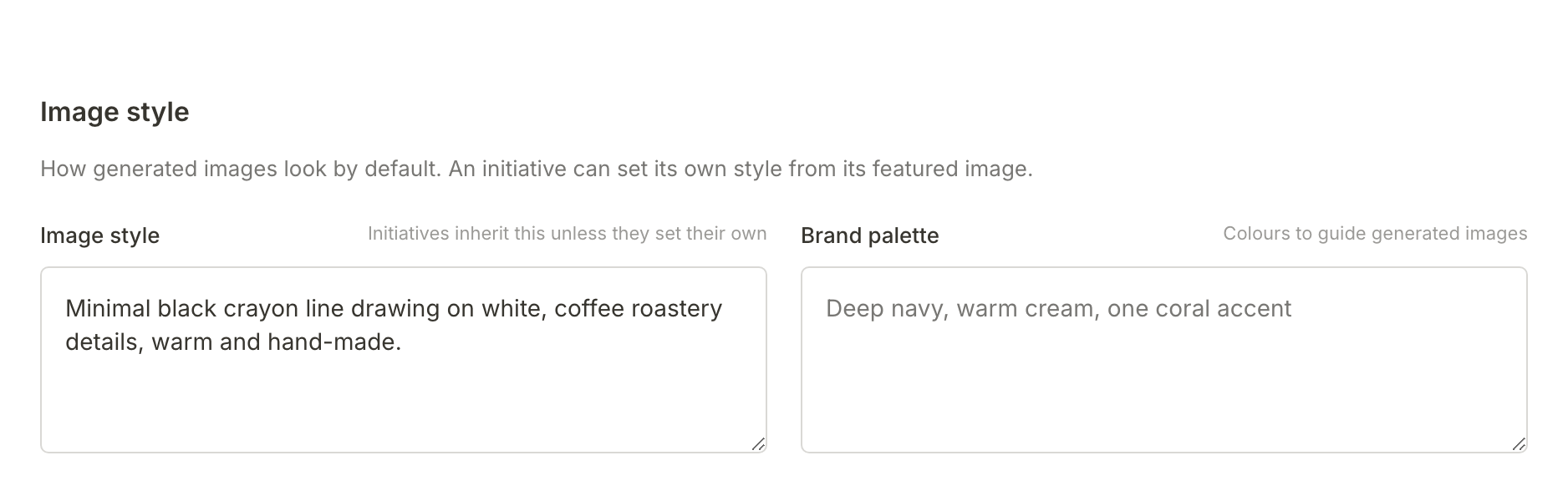
Image style describes how generated images should look, in your own words. Brand palette names the colours to guide them. Every initiative uses this style unless it sets its own from its featured image.
Keep your edits when a redraft arrives
Once you have edited a field, a redraft never overwrites it. When you press Regenerate after editing, or a draft finishes after you changed the field, the new wording waits as a suggestion instead. You review it on the Marketing page, in a card headed Your edits are safe.
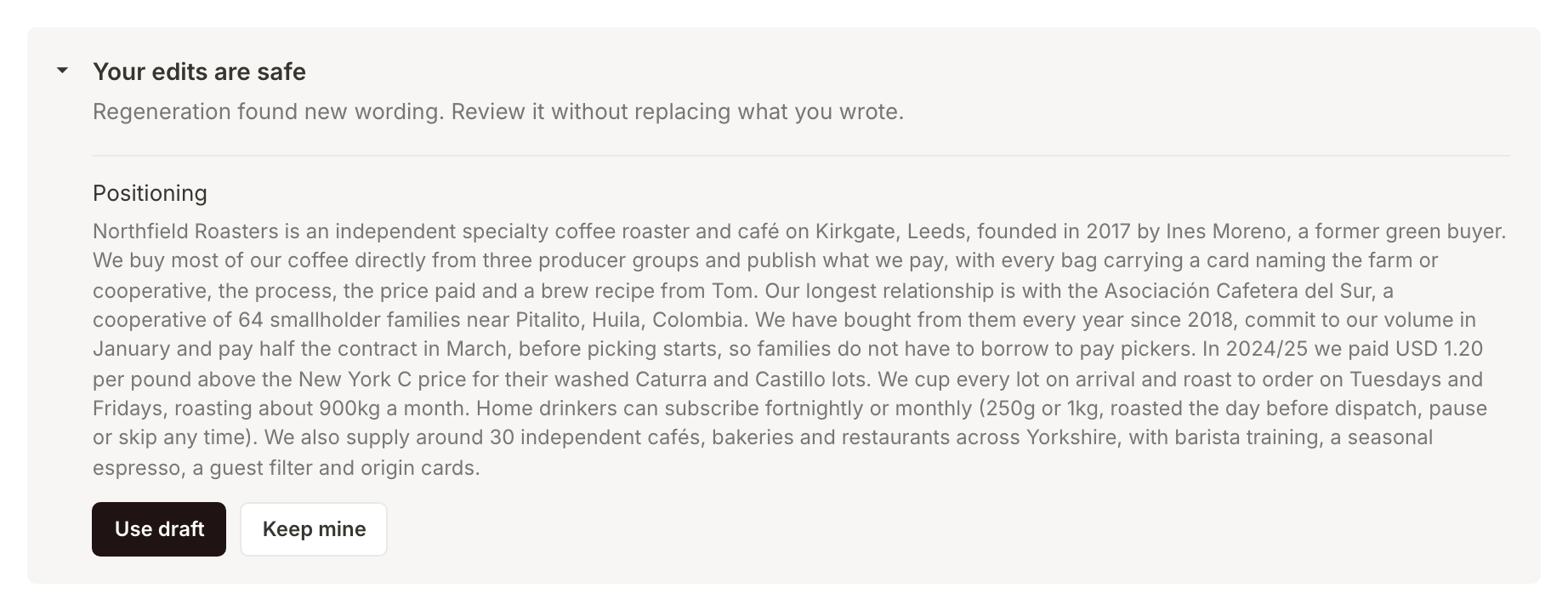
Use draft replaces your version with the suggestion. Keep mine throws the suggestion away and leaves what you wrote. Either way, nothing changes until you choose. Only owners and admins have these buttons: a member sees the card without them, with the note that a manager of this property can use the new wording or keep the current version.
What happens next
The next initiative pitch is built from the context you have just checked. When it arrives, read why it fits your business and decide: review this week's initiative pitches.
Frequently asked questions
Do you read all of my Google Drive?
No. After Google asks for your consent, you choose individual files, and Mole Marketer reads only those.
Does connecting a source redraft my summary?
No. A connected source is read for evidence that pitches and briefs can cite, and it feeds the next time you press Regenerate, but connecting one does not redraft anything on its own.
What if my website is thin?
If Mole Marketer could not read enough from your site, the page says Business context needs more detail. Write a short business summary and an ideal customer by hand, and connect a source or two, so initiatives still fit the business.