Install the tracking tag on your site
One line in your site's header settings lets Funnel Analytics count visits and credit them to your initiatives. Where to paste it and how to check it works.
On this page
The short version
 The short version
- Copy one line from the Install section of your Analytics page and paste it into your site's header settings.
- List every domain the tag runs on, or visits from the others are turned away.
- Check it worked: the Install section says Script detected once the first visit arrives.
Mole Marketer includes Funnel Analytics, which counts the visits to your site and the steps visitors take towards buying, and credits them to the initiatives that brought them in. All it needs is one line pasted into your site once. Northfield Roasters' site is built with a site builder, so Priya pasted the line into its header settings and every page started counting.
Before you start
Owners and admins add domains and see the Funnel steps and Click capture sections. Members can see the Install section and copy the tag from it.
Open the Install section
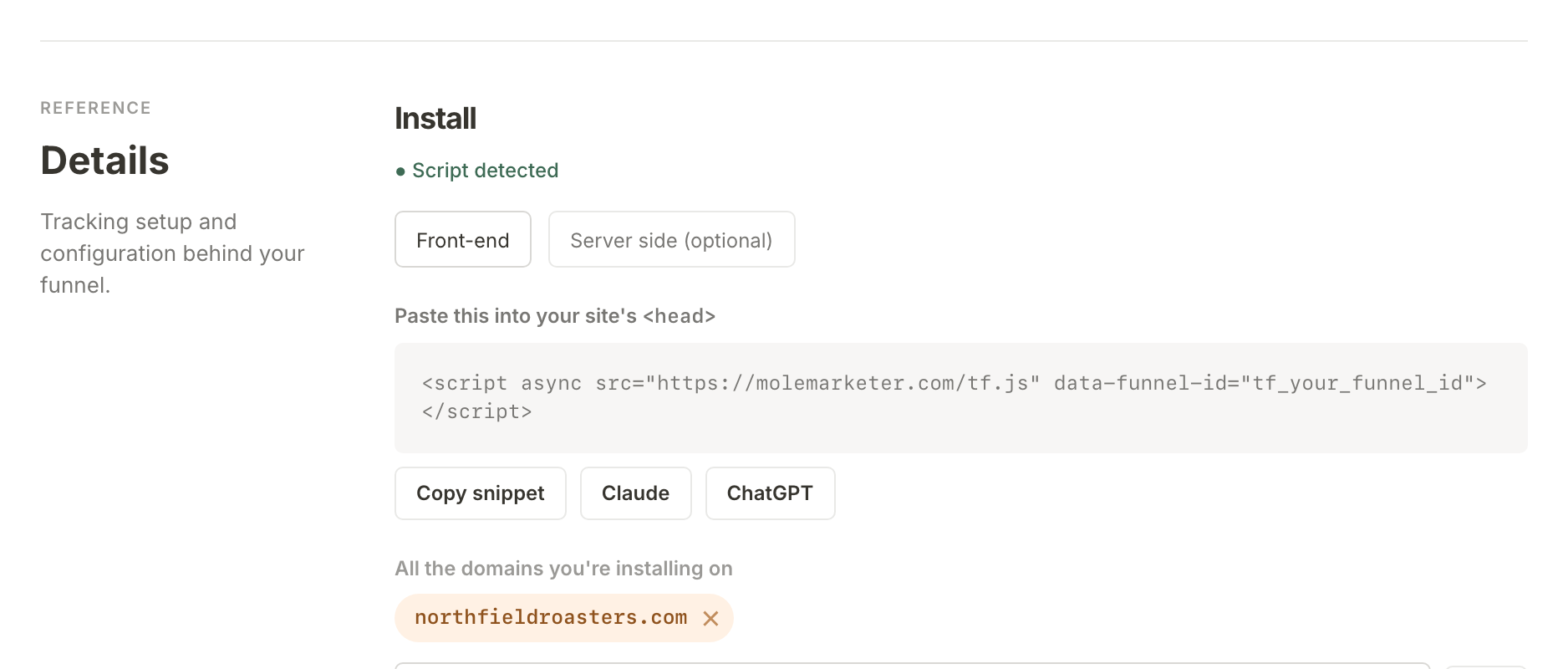
Choose Analytics in the sidebar and scroll to the foot of the page. Under Details, "Tracking setup and configuration behind your funnel", the first section is Install.
Copy the tag
On the Front-end tab, the box under "Paste this into your site's <head>" holds your tag: one line that starts <script async. Press Copy snippet and the button changes to Copied ✓.
The head is the part of each page visitors never see, and most site builders let you add a line to it in their settings, usually under a name like header code, custom code, code injection or tracking code. Paste the line there, set it to appear on every page, and publish your site. If you cannot find the setting, search your site builder's help for "add code to head".
Not sure where your site keeps it? The Claude and ChatGPT buttons beside Copy snippet open a new chat with the tag and your request already written. The message asks the assistant to find out where your site is hosted and what it is built with, then to give you the steps for your setup and how to check the tag is loading.
If your site already carries a tag that loads from tiny-funnel.com, it keeps working. You do not need to replace it.
The tag loads alongside your page rather than holding it up. It counts the pages it is on and nothing else, so a page without it is never recorded.
List every domain the tag runs on
Under All the domains you're installing on, Funnel Analytics lists the domains it accepts visits from. Your site's domain is already there: it is the Site URL on the property's Context page, and the two stay in step. Anyone could copy your tag onto their own site, and this list is what keeps their visits out of your numbers.
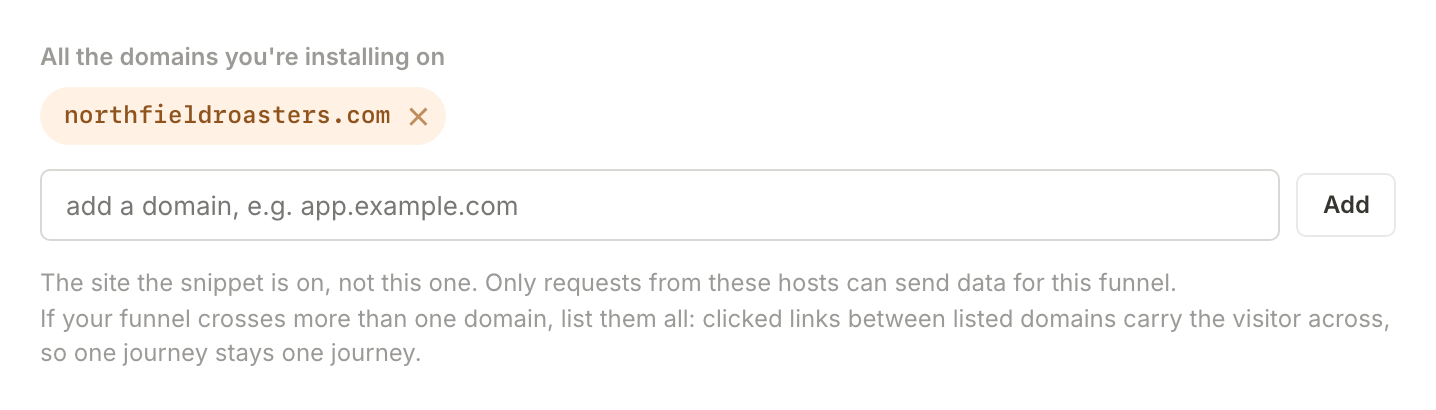
If the tag runs anywhere else, such as a separate shop or booking site on its own domain, type that domain into the field and press Add. A domain with and without www. counts as the same one, but every other address needs its own entry. Listing all of them also lets a visitor who clicks from one of your domains to another stay one visitor.
If visits arrive from a domain that is not listed, the Install section shows Hits are being turned away, naming the domain. If it is yours, press its Allow button to add it. If it is not, dismiss the notice with its ×; those visits stay blocked.
Check it works
Open a page of your site in your browser, then come back to the Install section. Its status line changes from "Waiting for first hit" to Script detected once the first visit arrives. If it reads Hits blocked instead, visits are coming from a domain missing from the list above.
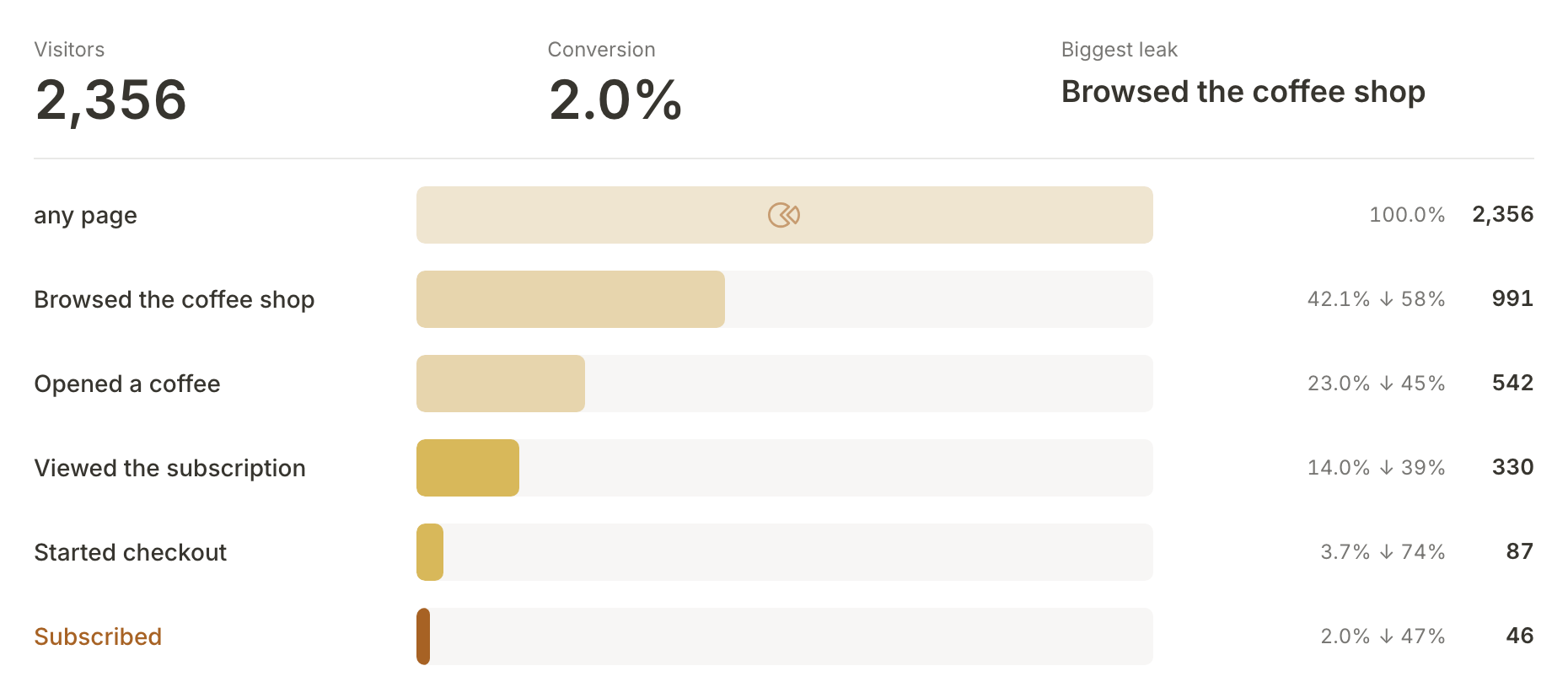
Your visits also start to appear at the top of the Analytics page. Once you have recorded your funnel's steps, it counts visitors through each one.
Turn on click capture if you want it
Click capture is off until you turn it on. Off, Funnel Analytics records page views and your funnel steps. Press Turn on and it also records clicks on buttons, links and form controls, so a visitor's journey shows what they reached for, not only which pages they saw.
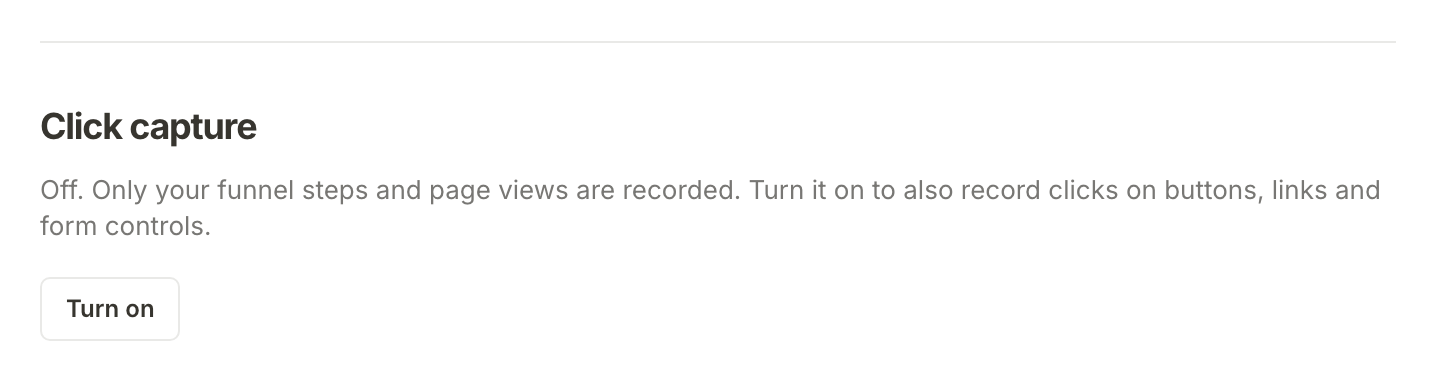
It never records what anyone types into a field, and it drops anything after a ? or # in a clicked link. To keep part of a page out of it altogether, whoever looks after your site can add data-tf-private to that part.
What happens next
With the tag counting visits, tell Funnel Analytics which pages are the steps to buying: record the path customers take on your site.
Frequently asked questions
Will it slow my site down?
No. The tag loads alongside your page instead of before it, so it does not hold your page up.
My site changes pages without reloading. Do I need anything extra?
No. The tag notices when the address in the browser changes and counts it as a new page view.
It still says Waiting for first hit. What now?
Check that you published your site after pasting the tag, that you opened a page that has it, and that the page's domain is in the list. A paused property records nothing, so check its status on the property's Settings page too.