Talk to your marketing manager
Ask it anything, or tell it what to do. What the marketing manager can do by chat, how it checks with you before changing what your team relies on, and who can see the thread.
On this page
The short version
 The short version
- Every property has one marketing manager thread. Ask it about your marketing, or tell it what to do, in plain words.
- It works as you: it can only see and do what you can in Mole Marketer.
- Anything that changes what your team relies on comes back as a card with Confirm and Dismiss, and nothing happens until someone presses Confirm.
Mole Marketer's marketing manager is the quickest way to get something done. Priya at Northfield Roasters has a few minutes between deliveries: rather than finding the right page, she asks what Tom is working on, which initiative brought in the most visitors, or to put Tom on the brief he is filming. The manager reads the same initiatives, briefs, pitches and analytics you see in the app, and answers in the thread.
Open the thread
Open Marketing manager at the top of the sidebar. Type a message in Ask your marketing manager and press Enter or the send arrow. The manager shows Working while it replies; press the stop button beside it if you change your mind.
Each thing it looks at shows as a quiet line ("Looked at a brief") with a card you can Open, so you can always see what an answer came from.
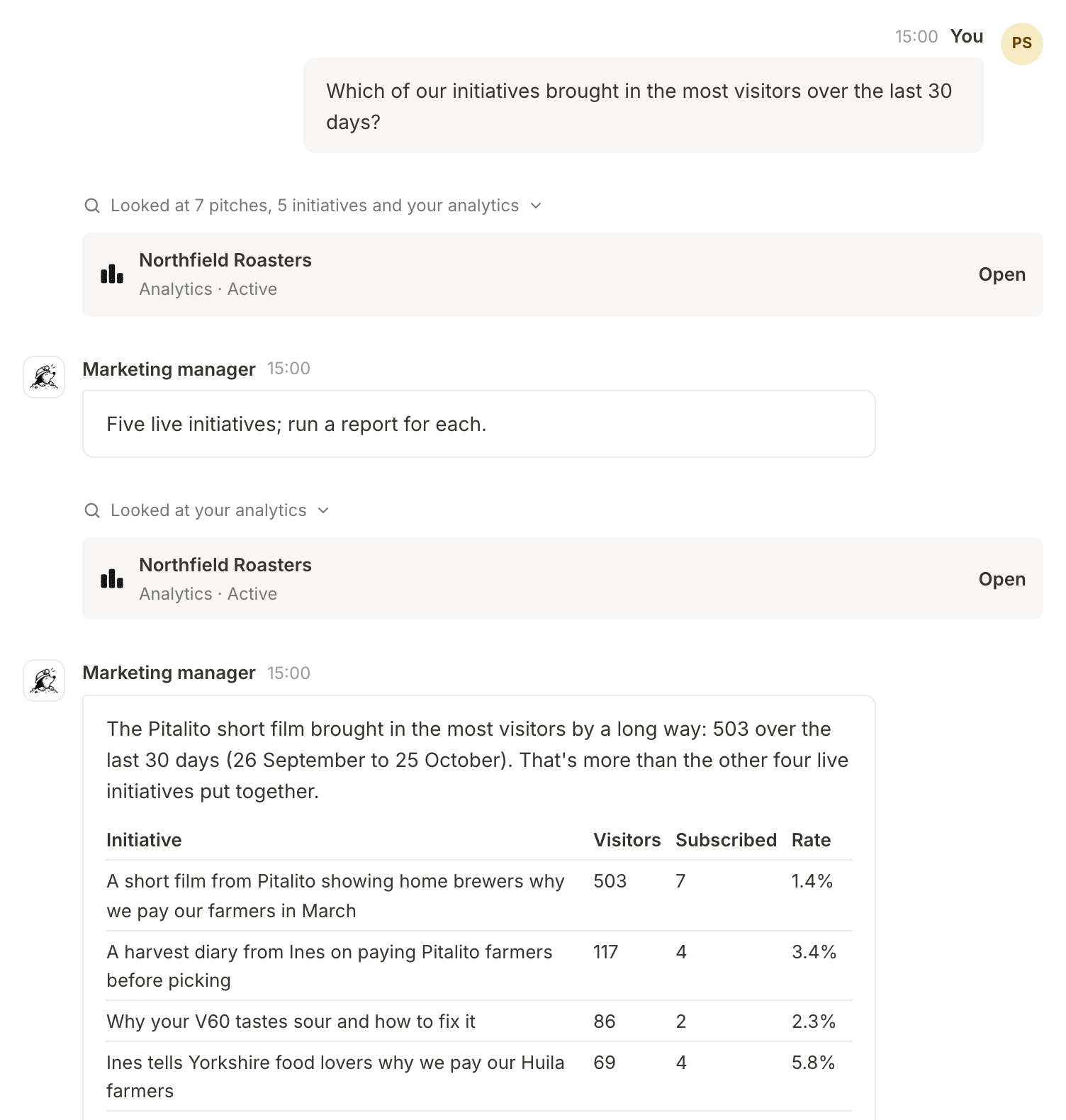
Ask it anything, or tell it what to do
By chat, the marketing manager can:
- Answer questions about your business context, initiatives, briefs, pitches, the people on your team, Funnel Analytics, your schedule and this month's AI allowance. It can also search the help docs and your connected sources, and read a web page you mention.
- Pitch new initiatives, or new briefs for a live initiative, and write a brief, a first draft or an image.
- Draft and edit initiatives and briefs. It never overwrites text someone on your team edited by hand.
- Decide pitches, assign people to initiatives and briefs, change a status, update your business details and change when brief pitches and the weekly brief arrive. Each of these comes back for a click first (see below).
It works inside Mole Marketer only. It does not post, publish or send anything to your customers, and your team does the work.
Bring it an idea
The weekly pitches are the manager's ideas. You can bring your own too. Tell it what you are thinking of trying, such as "We're thinking of running latte art classes for customers. Worth doing?", and it answers from your own context and analytics: whether it fits, why, and which marketing channel suits it. Say "Let's do it" and it sets up the initiative and its first brief, then writes the brief out, with the questions only your team can answer. From there it is a brief like any other: answer its questions, edit it, and give it to someone on the team.
Mention people and work with @
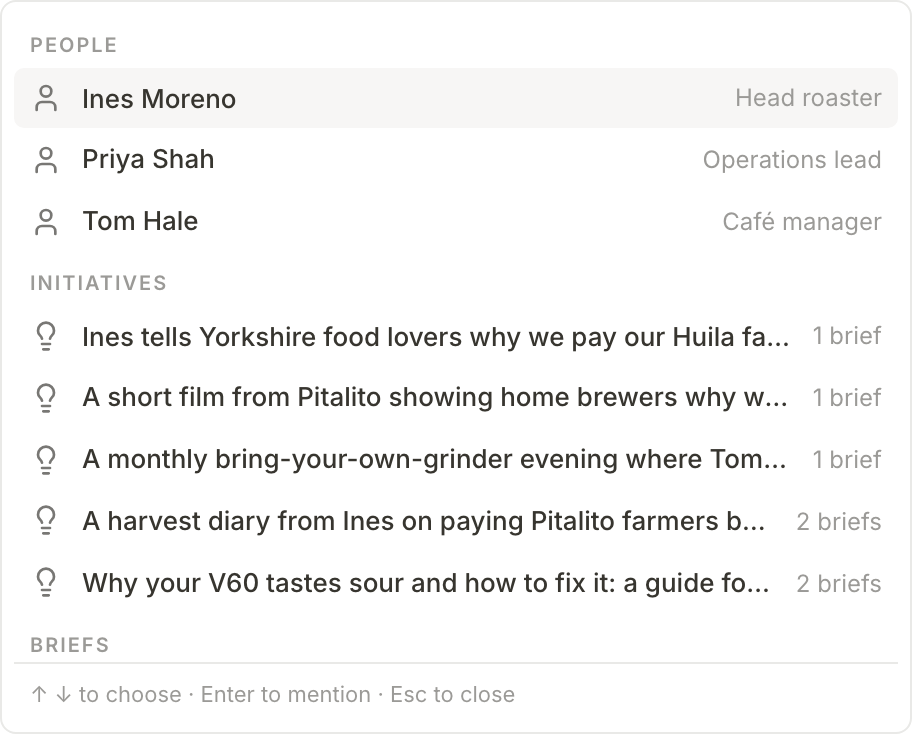
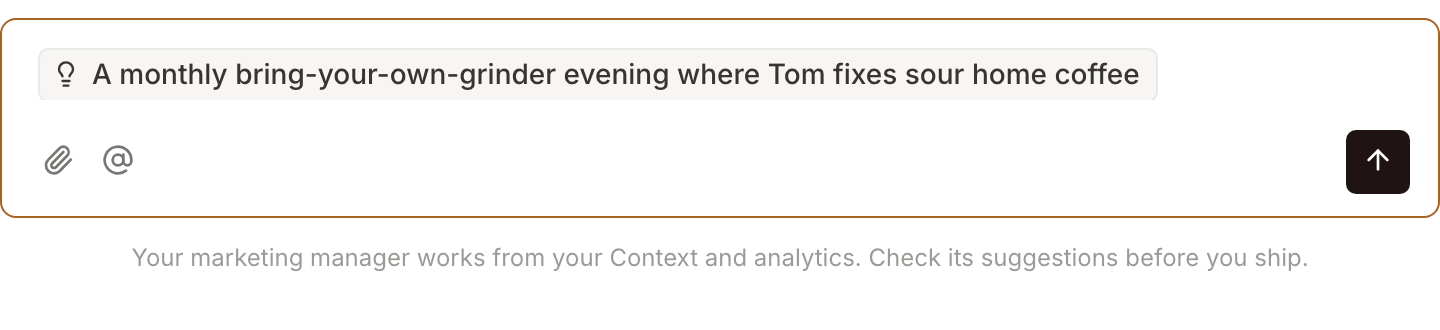
Type @ (or press the @ button under the message box) to mention someone on your team, an initiative, a brief or a pitch waiting for review. Pick it from the list and it sits in your message as a chip, so the manager knows exactly which one you mean.
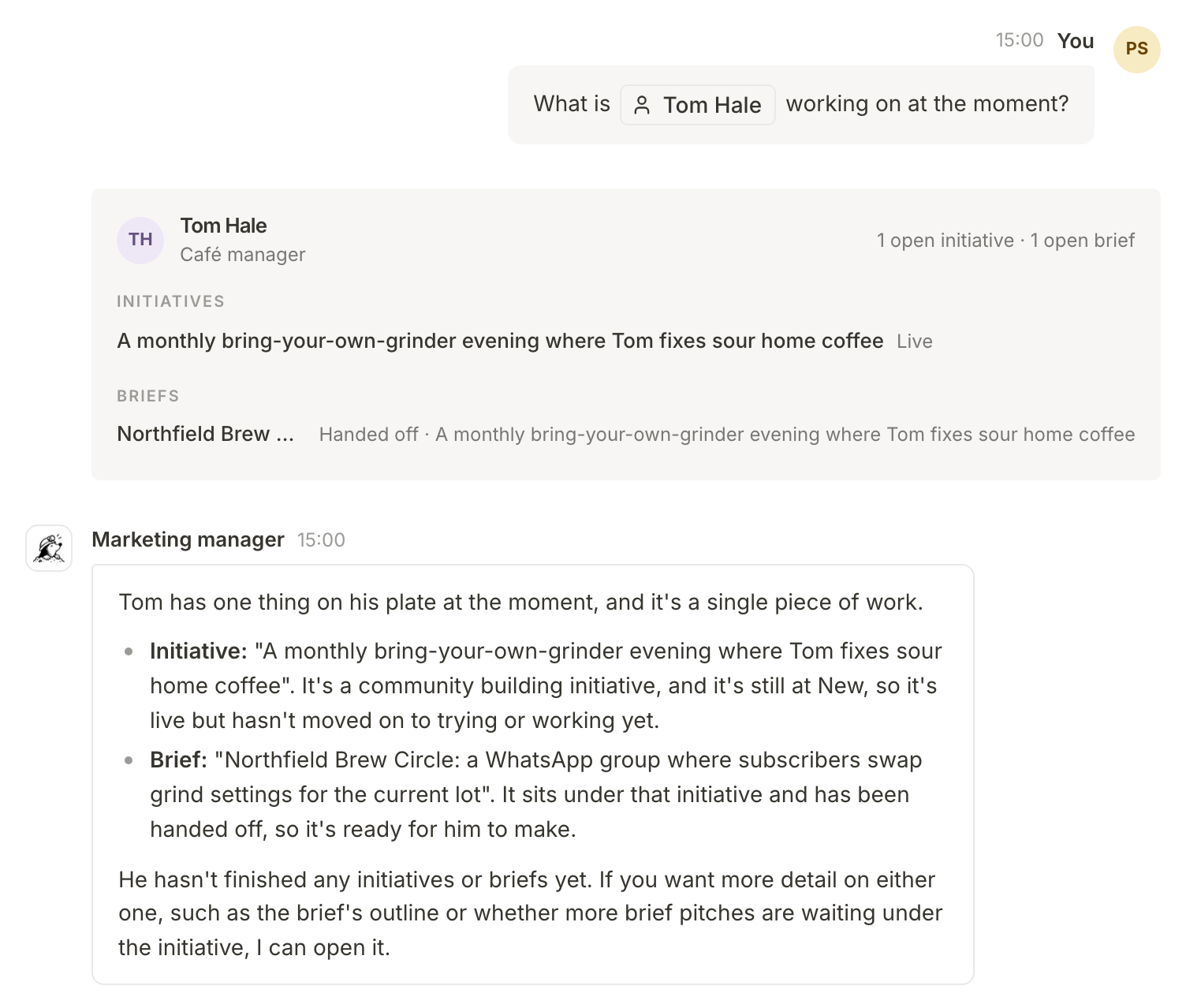
Mention a person and the manager can look up what is assigned to them. It answers with a card showing their open initiatives and briefs.
You can also attach up to four files to a message with the paperclip: PDFs, images (PNG, JPEG, WebP or GIF) and text, Markdown or CSV files. The manager reads them along with your message.
Confirm what changes your team's work
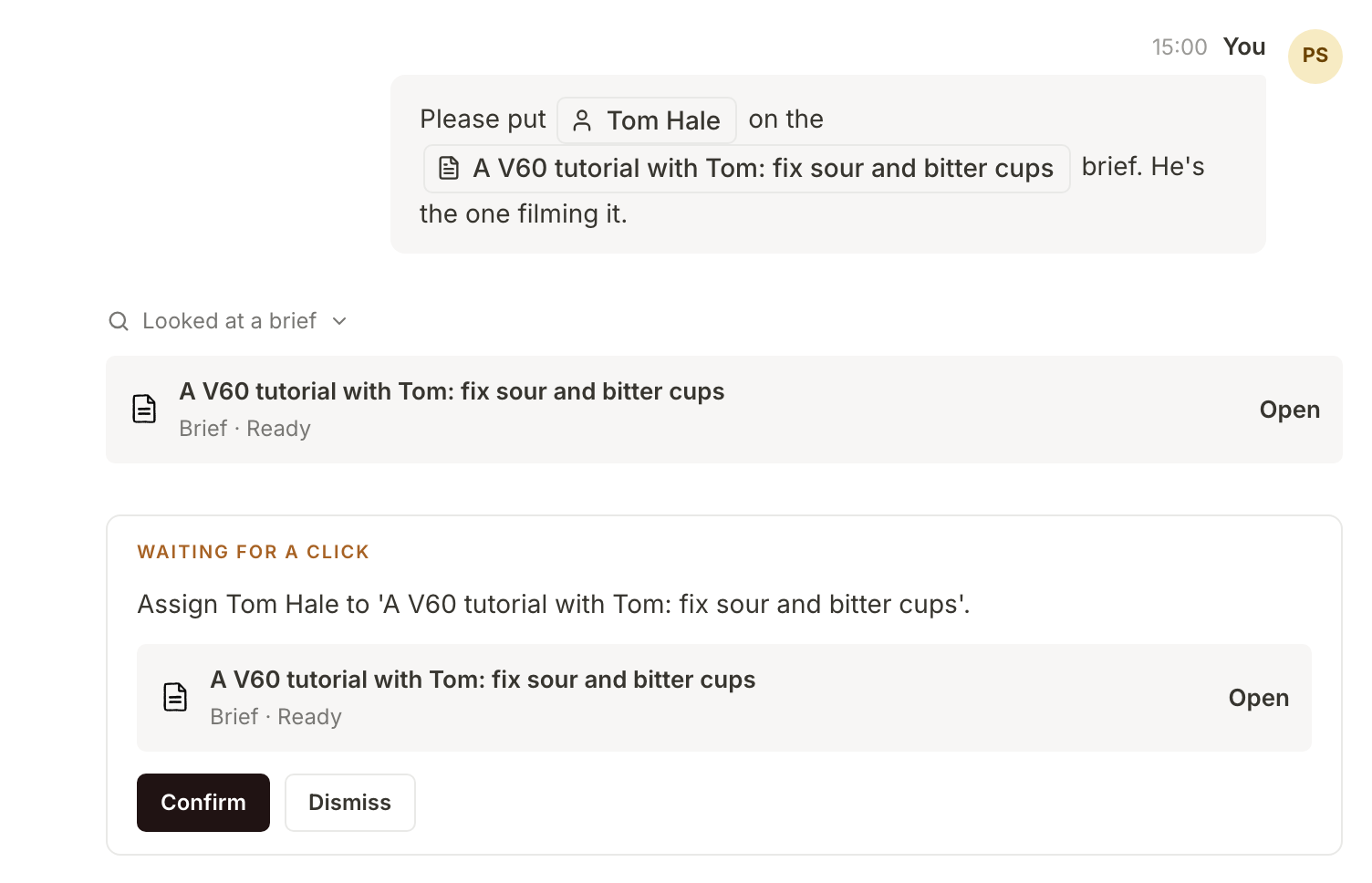
When you ask for something other people rely on (assigning someone, deciding a pitch, changing a status, deleting an initiative, editing your business details or the schedule), the manager does not do it. It writes a card marked Waiting for a click, saying exactly what will happen. Press Confirm to go ahead, or Dismiss.
The manager can also write a short email to people on your team about a piece of work, such as a brief to pick up. It comes back as a card showing the email, and it is sent from whoever presses Confirm, with replies going to them.
Confirming runs it as the person who presses the button, with that person's access, the same as doing it on the page. Everyone else who sees the thread gets a notification about a new card. A card that is not decided expires after 7 days. If the action is no longer possible by the time someone presses Confirm (the pitch was already decided, or the brief was deleted), the card says Couldn't go ahead and nothing changes.
Writing something new (a pitch run, a brief, a first draft, an image) starts straight away while the month has room in its allowance. When less than 25% of the allowance would be left afterwards, it becomes a card too, showing how much of the allowance it would use.
Talk about the page you are on
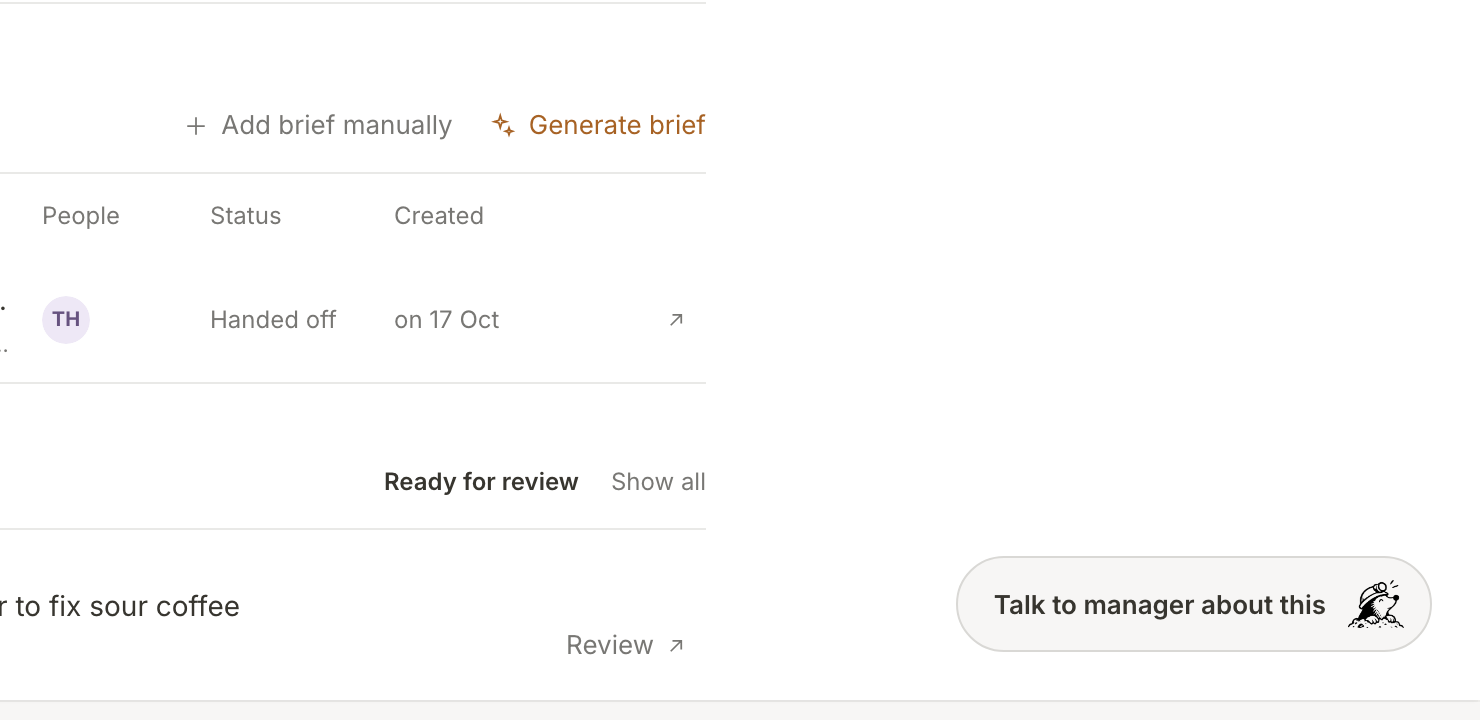
On every other page, the round button at the bottom right opens the manager. On an initiative, brief, brief pitch or the analytics page it reads Talk to manager about this, and the message box starts with that record already mentioned.
Who sees the thread
Each property has one thread, shared by everyone who can see the marketing manager there. Owners and admins always can; a member can if Marketing manager is switched on in their access to that property (see Invite your team and assign work).
The thread is shared, but the manager always works as whoever sent the message it is answering. Ask it something you cannot see in the app and it cannot see it either. The manager answers one message at a time, so if a teammate sends a message while it is replying, theirs waits its turn and is then answered as them.
Scheduled work shows up in the thread too: when the weekly initiative pitches or a round of brief pitches start, a line in the thread says so and follows the run until it finishes. If an owner or admin switches on Have the manager comment on new pitches under Marketing manager in the property's Settings, the manager also reads each scheduled batch of pitches when it lands and says which one it would look at first. It is off by default, because each comment uses a little of the month's allowance, and it only reads: it never decides a pitch.
What happens next
Each reply uses a little of the property's monthly AI allowance. You can see how much is used on AI Models and Allowance (Choose AI models and keep an eye on your allowance), or just ask the manager. If the allowance runs out, the manager says so in the thread and can reply again when it resets.
To see what to ask it about first, Run a week of marketing with Mole Marketer walks through what arrives each week.
Frequently asked questions
Can it post or send things for us?
No. It works inside Mole Marketer: it pitches, briefs, drafts and keeps the work moving. The only email it can write goes to people on your own team, after someone confirms it. Your team publishes, in the tools you already use.
Can a member use it to see more than they should?
No. Every lookup runs as the person who sent the message, inside this property only, with exactly their access.
Why did it come back with a card instead of doing what I asked?
Because the change affects work other people rely on. A person decides those, every time: press Confirm if it is right.