Hand a brief to whoever does the work
Mark a brief ready, then copy it, open it in ChatGPT or Claude, or email it to a teammate with a read-only link.
On this page
The short version
 The short version
- Press Mark as ready when the brief says what you want.
- Copy it for the tool you work in, or copy it and open ChatGPT or Claude.
- Or email it to a teammate at your own domain. The email carries a read-only link that lasts 30 days.
A brief earns its keep once it reaches the person who does the work. At Northfield Roasters, Tom runs the café's events, so Priya emails him the Huila podcast brief to book the listener cupping it promises. Mole Marketer does not publish or post anything: a handoff puts the brief in front of a person or a tool, and the hand-off log records where it went.
Mark it ready
On a draft brief, Use this brief, below the outline, has a single button: the ways to hand the brief on only appear once it is ready. Press Mark as ready when the brief says what you want. You will see Brief marked as ready. and the brief's status moves from Draft to Ready.
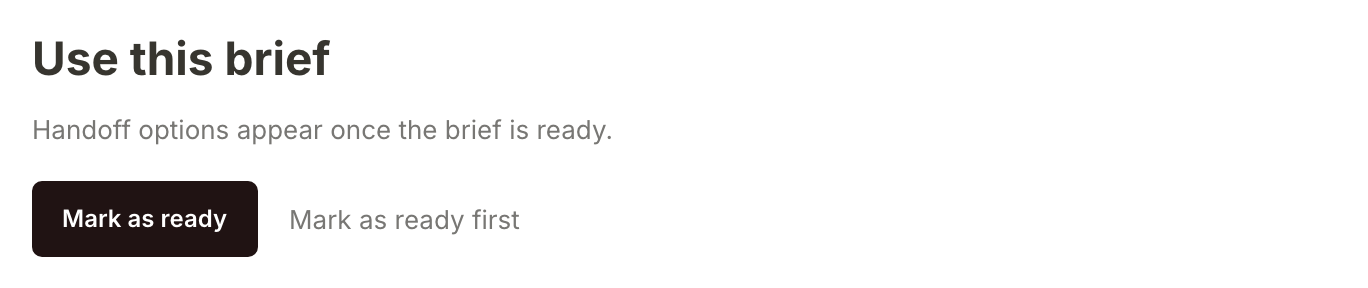
A brief needs an outline before it can be marked ready. If you have questions still to answer, do that first: Answer a brief's questions and update it.
Copy it for the tool you work in
On a ready brief, Use this brief opens up. Under Copy for are the places a piece in this marketing channel usually gets finished. A podcast guesting brief offers Gmail and Google Docs; a search brief offers WordPress and Webflow instead. Press one and the brief is copied, formatted for that tool, ready to paste. If the brief has a first draft, the draft is what gets copied; otherwise it is the outline.
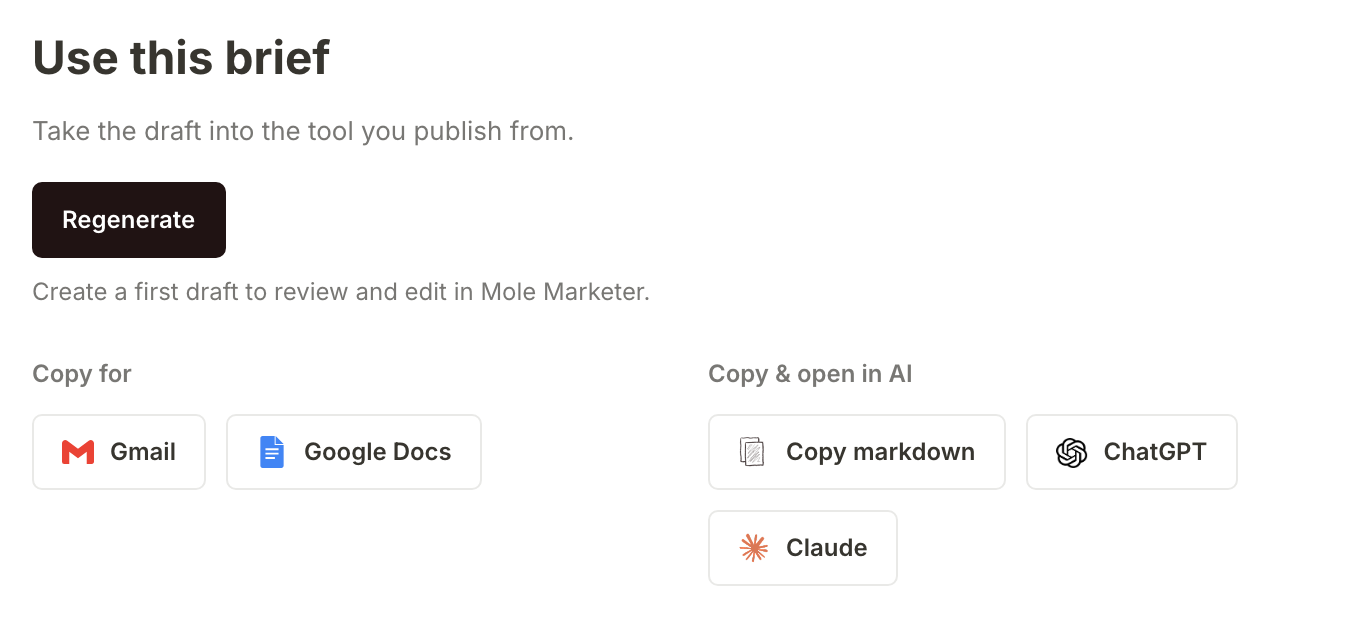
The button above them, Generate from brief (or Regenerate once a draft exists, as here), makes a first draft of the piece from the brief; see Write a first draft from a brief.
Or copy it and open ChatGPT or Claude
Under Copy & open in AI, Copy markdown puts the whole brief on your clipboard as Markdown, plain text with simple formatting that ChatGPT, Claude and most writing tools understand: the outline, the first draft if there is one, every question with your answers, why the piece is worth doing, its citations, and a closing instruction to keep the sourced facts and not invent figures. The button reads Copied for a moment.
ChatGPT and Claude copy the same thing and open a new chat in a new tab with the brief already typed in. A long brief is too big to type in for you, so the chat opens with a short line instead and you paste the brief from your clipboard.
Or email it to a teammate
Under Hand off by email, type an address or click a teammate's name to fill it in. The names are the people who can open the property and can receive the brief, with whoever is assigned to it first. Press Send. You will see Brief queued for [email protected]., and the hand-off log below shows the email going out.
A brief can only go to an address at your website's domain, or at your own work email's domain when that is not a public mailbox such as Gmail. The line under the field says which, here "Only northfieldroasters.com addresses can receive this brief." Any other address is refused under Brief not sent. Once the email has gone, the brief's status moves to Handed off.
Tom's email says who shared the brief, gives him an Open in Mole Marketer button for when he is signed in, and carries the whole brief below it.
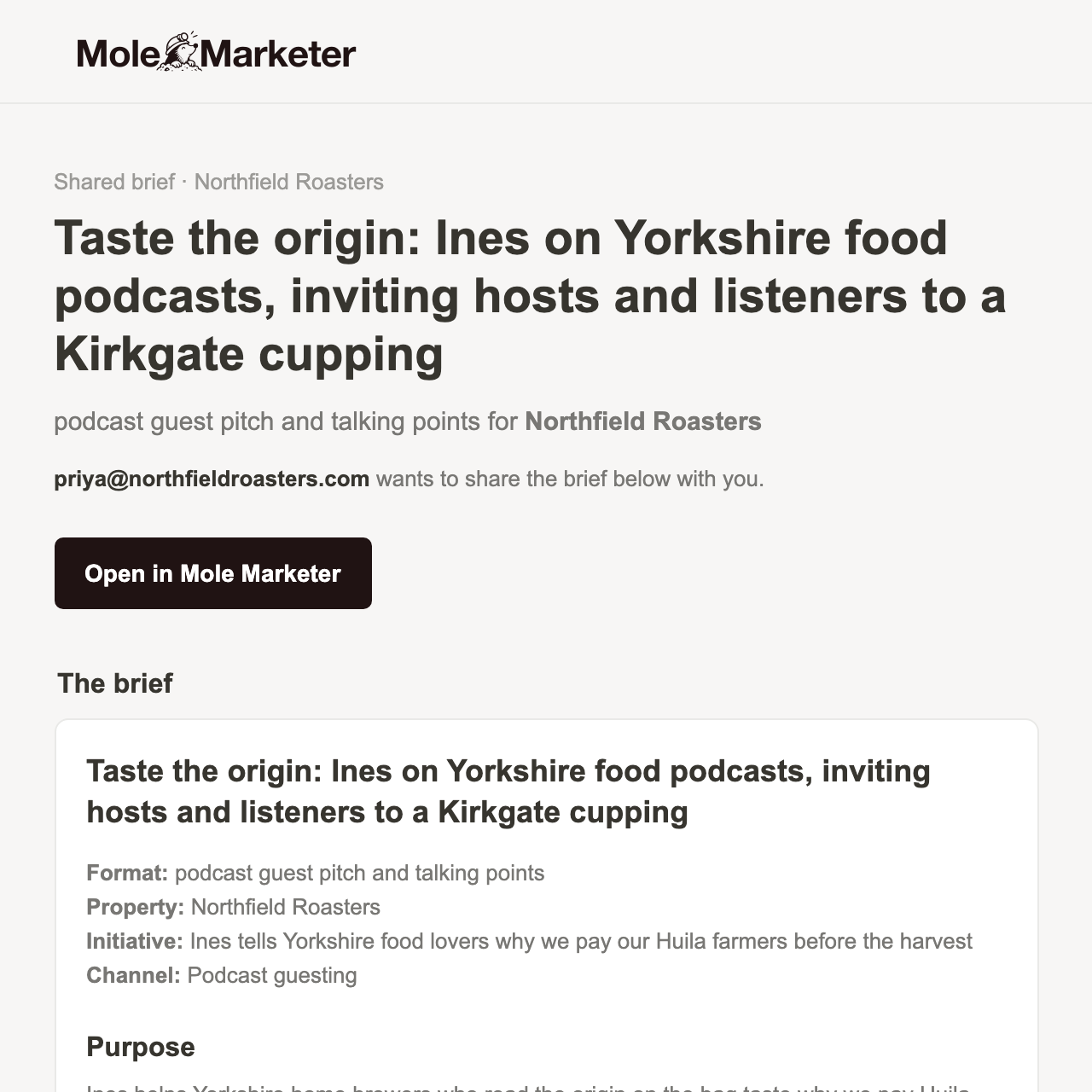
At its foot is a link for anyone without an account. It expires in 30 days, and it is only in the email: the app never shows it, so the email is the thing to keep.

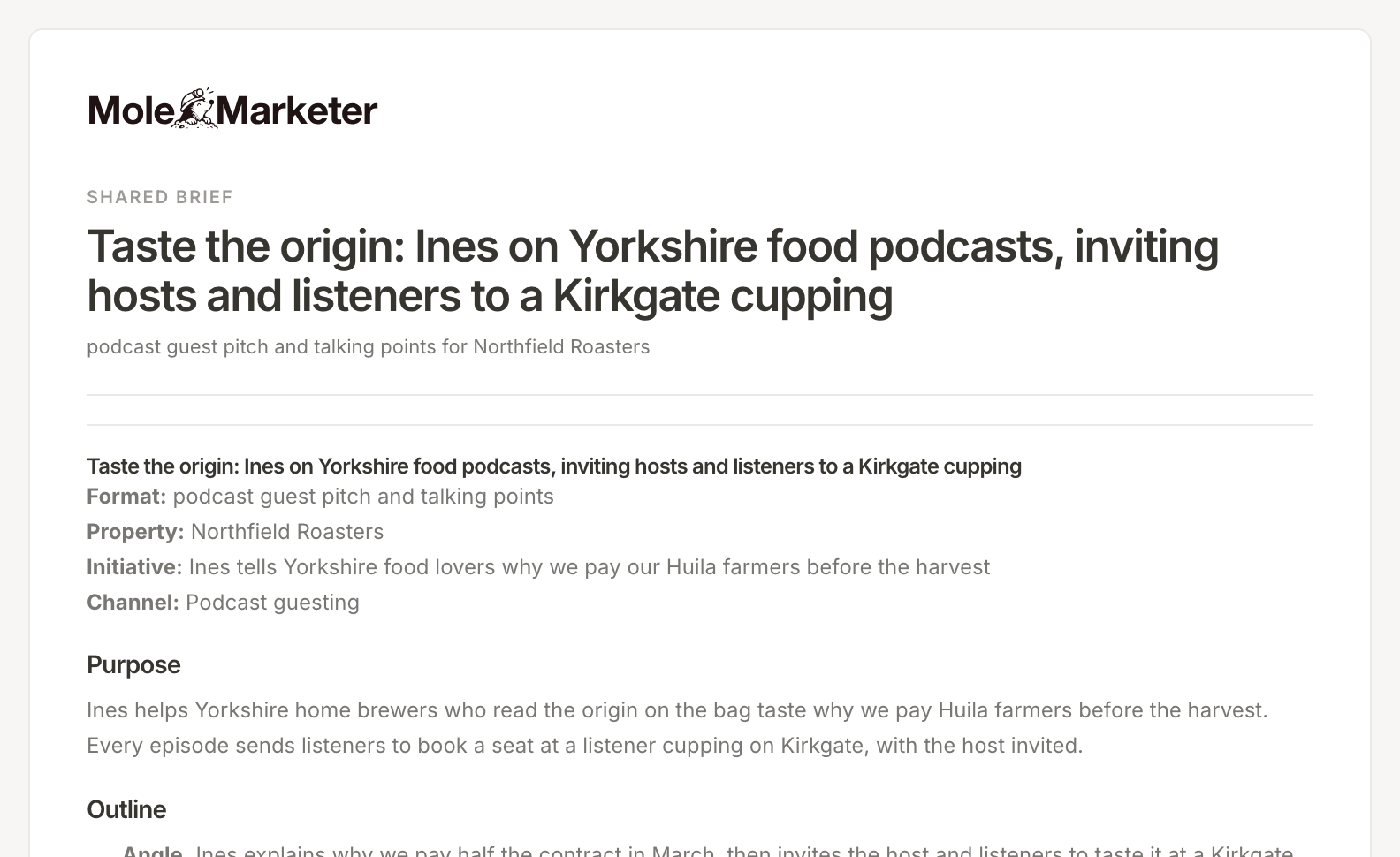
The link opens the brief on a page of its own, no sign-in needed. It can be read but not changed, and it says who it was shared with and when the link runs out.
Check the hand-off log
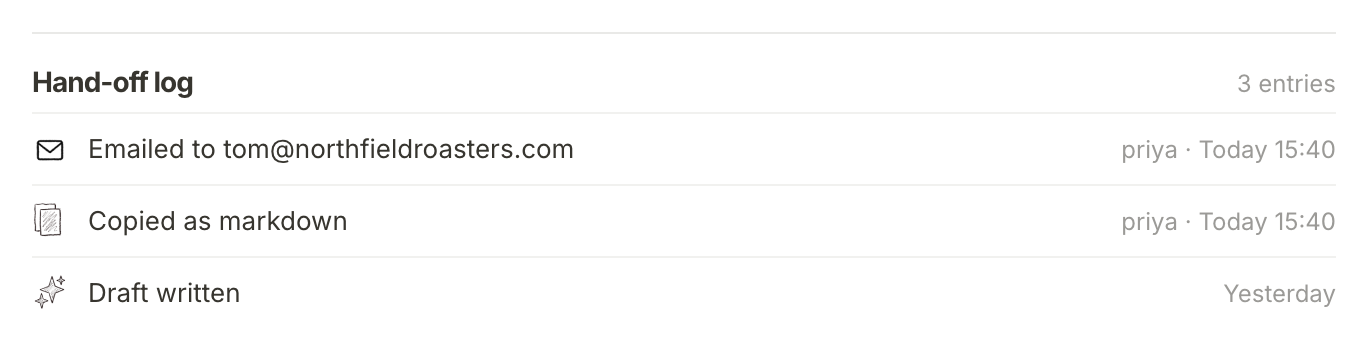
At the foot of Use this brief, the Hand-off log lists everything that happened to the brief, newest first, with who did it and when: each copy, each chat opened in ChatGPT or Claude, each email (and whether it was sent or failed), and when a first draft was written.
What happens next
Whoever has the brief does the work. When it is done, move the brief to Finished from the status menu at the top of the brief. To take a brief that worked into another marketing channel, see Adapt a brief for another marketing channel.
Frequently asked questions
Who can I email a brief to?
Anyone with an address at your website's domain, or at your own work email's domain if it is not a public mailbox like Gmail or Outlook. They do not need a Mole Marketer account.
Does copying a brief mark it handed off?
No. Copying and opening ChatGPT or Claude are recorded in the hand-off log, but only a sent email moves the brief to Handed off.
Can the person I email change the brief?
Not through the read-only link: it shows the brief and nothing else, and stops working 30 days after it was sent. Someone who can open the property can use Open in Mole Marketer and work on it there.
Does handing off use the AI allowance?
No. Copying, opening a chat and emailing all send the brief as it is. Only generating something new, such as a first draft, uses the allowance.